
I ran a complete podcast episode transcript through an AI editing workflow, then compared every paragraph against the original audio. The time savings on filler removal and basic cleanup were real and measurable. The mistakes that remained required careful human listening and correction before the transcript was usable for show notes, pull quotes, or any further content repurposing.
This is from a real, full workflow test. I am Lena Voss. I treat transcript work as part of the larger Voice & Cut practice on Workflow Ink: the final text must still match what was actually said and how it was said. No theory — just what happened when I actually ran it.
What the AI Handled Well
The tool removed most filler words (“um,” “you know,” repeated false starts), corrected obvious stutter repetitions, and produced a readable first draft faster than I could have done manually. Paragraph breaks were mostly logical. Speaker labels for a two-person conversation stayed accurate enough that I did not have to rebuild the structure from scratch.
These gains matter for independent creators and small teams who need a fast starting point for show notes or content extraction. A clean base transcript can shave hours off the early stage of a weekly content system.
I also noticed that basic grammar and punctuation were handled more consistently than in earlier tools I tested six months ago. The first-pass readability score was high enough that a quick scan felt encouraging.
Categories of Remaining Errors
Error Type | Frequency | Impact on Usability | Example Fix Required |
|---|---|---|---|
Homophone swaps | Medium | High if published | “their” vs “there,” technical near-matches |
Lost emphasis or tone markers | Medium | Medium | Restoring intentional pauses or stress |
Over-smoothed phrasing | High | High for voice match | Re-inserting the speaker’s actual word choice |
Missed technical terms | Low-Medium | High in context | Proper names, tool names, niche jargon |
Over-eager paragraph breaks | Low | Low-Medium | Merging or splitting for natural flow |
The table reflects the error types I logged while comparing the AI transcript line-by-line against the original audio in this controlled test.
The Fixes That Took the Most Time
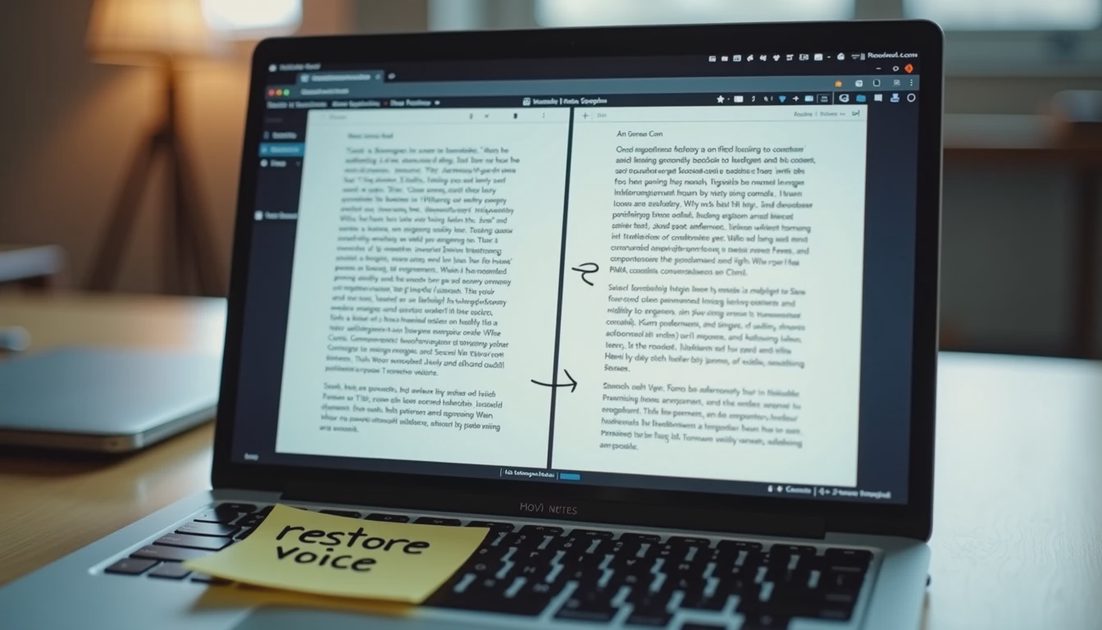
I spent the largest block of time restoring specific word choices and rhythm that the AI had smoothed into more generic language. Several sentences became fluent but no longer sounded like the person who spoke. The model preferred clean, complete constructions over the slightly elliptical or emphatic patterns that made the original conversation feel human.
Technical terms and proper names needed manual verification against the audio. A few homophone errors would have been embarrassing if the transcript had been published without review. One section that discussed a specific creative process was rewritten by the tool into language so generalized that the original insight disappeared.
The final usable transcript required a complete listen-through with the audio open and the text side-by-side. That step cannot be skipped if the transcript will be used publicly or as source material for further AI extraction. I timed the human review at roughly 1.4× the length of the episode — still faster than starting from a raw unedited transcript, but far from the “instant clean copy” some demos imply.
Time Breakdown from the Test
AI cleanup pass: approximately 8 minutes for a 42-minute episode
First human scan for obvious errors: 15 minutes
Full audio-aligned review and voice restoration: 55 minutes
Final polish and export: 12 minutes
Total active time remained lower than a fully manual transcription-plus-edit, yet the voice-restoration stage was non-negotiable for quality.
Practical Workflow I Now Use
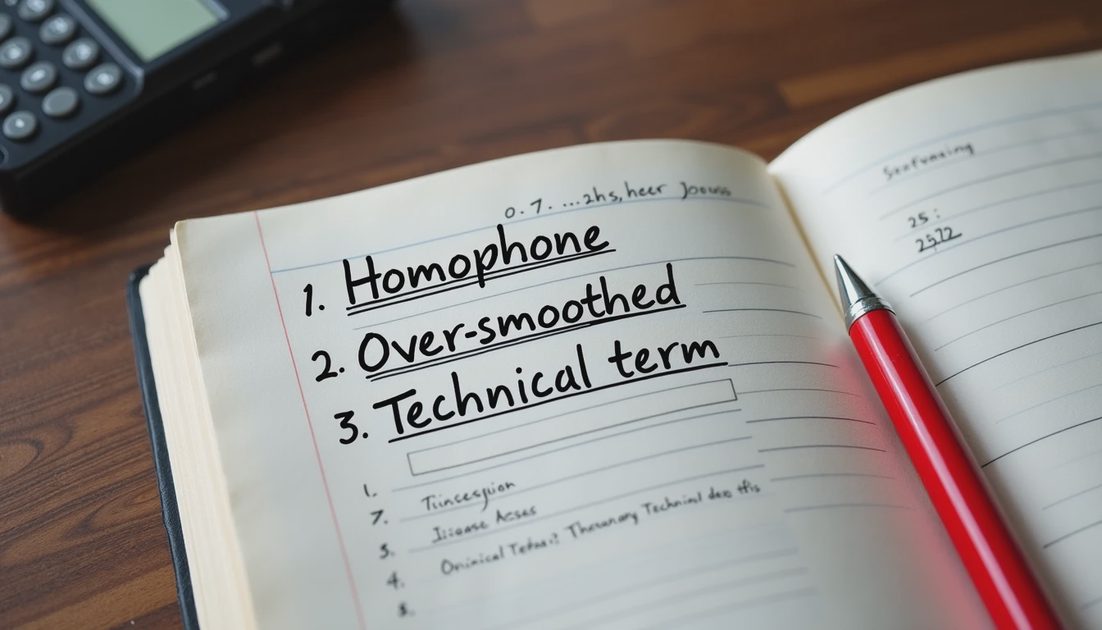
I follow a fixed sequence that keeps the speed gains while protecting the integrity of the original conversation:
Run the AI cleanup for speed and basic structure.
Do a full audio-aligned review focused on accuracy and voice match.
Restore any smoothed phrasing that carries the speaker’s identity.
Only then extract quotes, write show notes, or feed the text into further content tools.
This sequence has become standard for every podcast-related test I run. Skipping the voice-restore step produces transcripts that look professional and sound generic.
Connection to Larger Voice Work
This test sits inside the Voice & Cut category and connects directly to earlier questions about whether AI video and podcast workflows can preserve a creator’s actual voice. The same pattern appears in short-form script extraction and caption generation: speed is real, but distinctive speech patterns are fragile.
Future posts will examine short-form video scripts and the specific points where automation helps versus where it erases the rhythm that makes a creator recognizable. The working rule remains the same: the final text must still sound like the person who spoke.
Tested it properly. Here’s the real result: AI transcript editing saves real time on cleanup and still leaves meaningful voice and accuracy work for a human editor who cares about the finished deliverable.
Comments
No comments yet — be the first to share a thought.