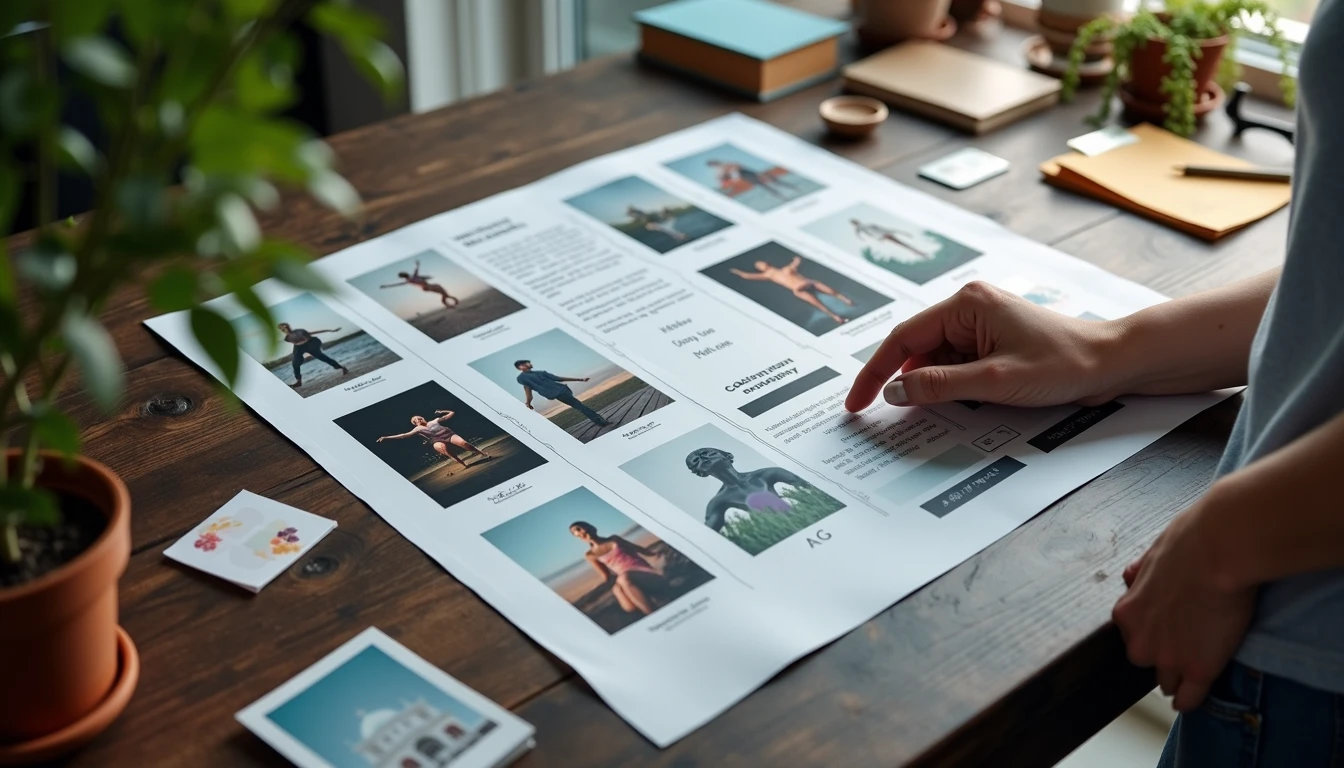
I used current AI image tools to generate a complete product moodboard from a short, realistic brief. The volume and speed of relevant visuals were useful. The final board still required a designer’s eye for hierarchy, intentional negative space, and the subtle visual relationships that turn a collection of images into a directional tool rather than a decorative collage.
This is from a real, full workflow test. I am Lena Voss. Moodboards are a core art-direction instrument. I evaluate them by whether they would actually guide a creative team or freelance collaborator, not by whether individual frames look attractive in isolation. Ran the full process myself. This is what it looked like.
The Brief and the Generation Process
The brief described a quiet, functional consumer product aimed at independent creatives. It specified a restrained color story, preference for real-world materials over pure abstraction, and a calm rather than energetic emotional register. I generated a large set of images across three different tools, then selected and arranged candidates into a traditional moodboard layout.
The AI tools produced a wide range of on-brief visuals quickly. Lighting suggestions, material textures, and overall tone were close enough to serve as strong raw material. Setup time from brief to first large image set was under forty minutes.
What the AI Delivered Well
High volume of relevant visual options within the stated palette
Useful material and texture explorations
Consistent color temperature across many frames
Rapid iteration when I adjusted simple prompt constraints
These strengths make AI a practical accelerator for the early gathering stage of moodboard work.
What Still Required Human Design Judgment
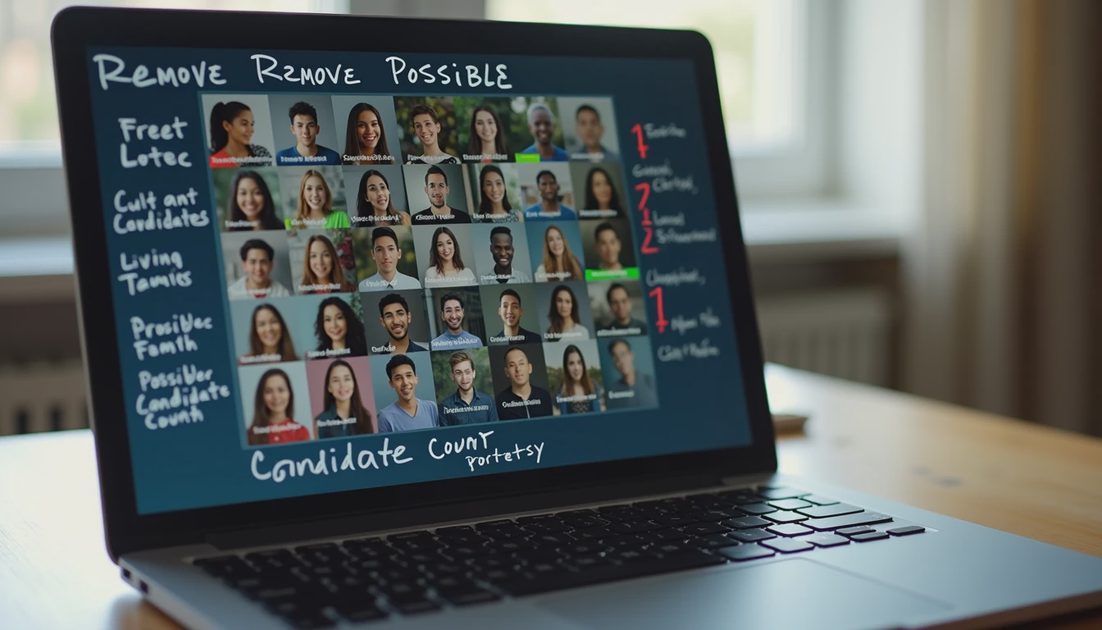
Several problems appeared only when the images were placed together as a single board:
Hierarchy was missing. Every image competed for equal attention.
Intentional negative space was absent; the layout felt crowded rather than paced.
Relationships between images (echoes of shape, repeated material, shared light direction) were accidental instead of designed.
A few frames that looked strong alone weakened the overall direction when seen in context.
I spent significant time removing, cropping, reordering, and adding a small number of human-selected reference frames before the board felt directional. The AI had supplied the raw material. A designer still had to make the board communicate a clear visual territory.
Time and Decision Log
Stage | Time Spent | Key Decision |
|---|---|---|
Brief + prompt setup | 12 min | Locked palette and material constraints |
Image generation | 28 min | Collected 60+ candidates |
First selection pass | 35 min | Cut to 18 possibles |
Hierarchy & layout | 50 min | Final 11 images + spacing |
Final polish | 15 min | Crop and sequence refinements |
The layout and hierarchy stage took longer than the generation stage. That ratio has repeated across similar tests.
Practical Implications for Creators and Designers
Use AI freely for rapid visual exploration and volume.
Reserve final hierarchy, pacing, and intentional relationships for human judgment.
Evaluate the finished board as a communication tool, not as a gallery of strong singles.
Budget explicit time for the editing and arrangement stage rather than assuming generation equals completion.
I ended the test with a usable moodboard that I would hand to a collaborator, but only after the human art-direction pass. The AI did not replace that pass; it changed where the time was spent.
Tested it properly. Here’s the real result: AI accelerates the gathering stage of a product moodboard and still leaves the decisive art-direction work to a designer who understands how images talk to each other.
Connection to Larger Image Lab Work
This test sits inside Image Lab and connects directly to earlier examinations of character consistency, street-photo art directions, and the points where AI image work saves time versus where it creates more downstream correction. Future posts will continue mapping those practical boundaries so creators can decide when to lean on the tools and when to keep the pencil in hand.
The working principle remains consistent with the rest of Workflow Ink: tools are evaluated by the finished, usable deliverable, not by the speed of the first impressive frame.
Additional Process Notes from the Test
I recorded the full sequence in a simple log that included setup time, number of generation rounds, revision notes, and the final verdict. The log is private until the test is complete; only then do the results appear here. This habit prevents partial impressions from becoming public recommendations.
The most useful observations almost always appear after the second or third revision round. First outputs can look strong. The real behavior of the tool—how it handles layered feedback, whether it holds earlier decisions, how consistency drifts—only becomes visible under repeated professional pressure. That is why every test on this site runs to a finished deliverable rather than stopping at the impressive first frame.
I also keep a short list of failure modes that have repeated across tools and categories: loss of directional control at revision three, voice or character drift across a short series, time cost that exceeds the value of the result, and residual generic language or visual clichés that would not survive a client review. Any one of these is enough for a “not worth the workflow” or “use selectively” verdict.
The goal is not to find perfect tools. The goal is to map, as honestly as possible, where current AI systems help and where they still require substantial human judgment. The posts that follow continue that mapping with the same standard: complete process, real constraints, and a final filter that asks whether the work would actually be sent to a client.
Comments
No comments yet — be the first to share a thought.