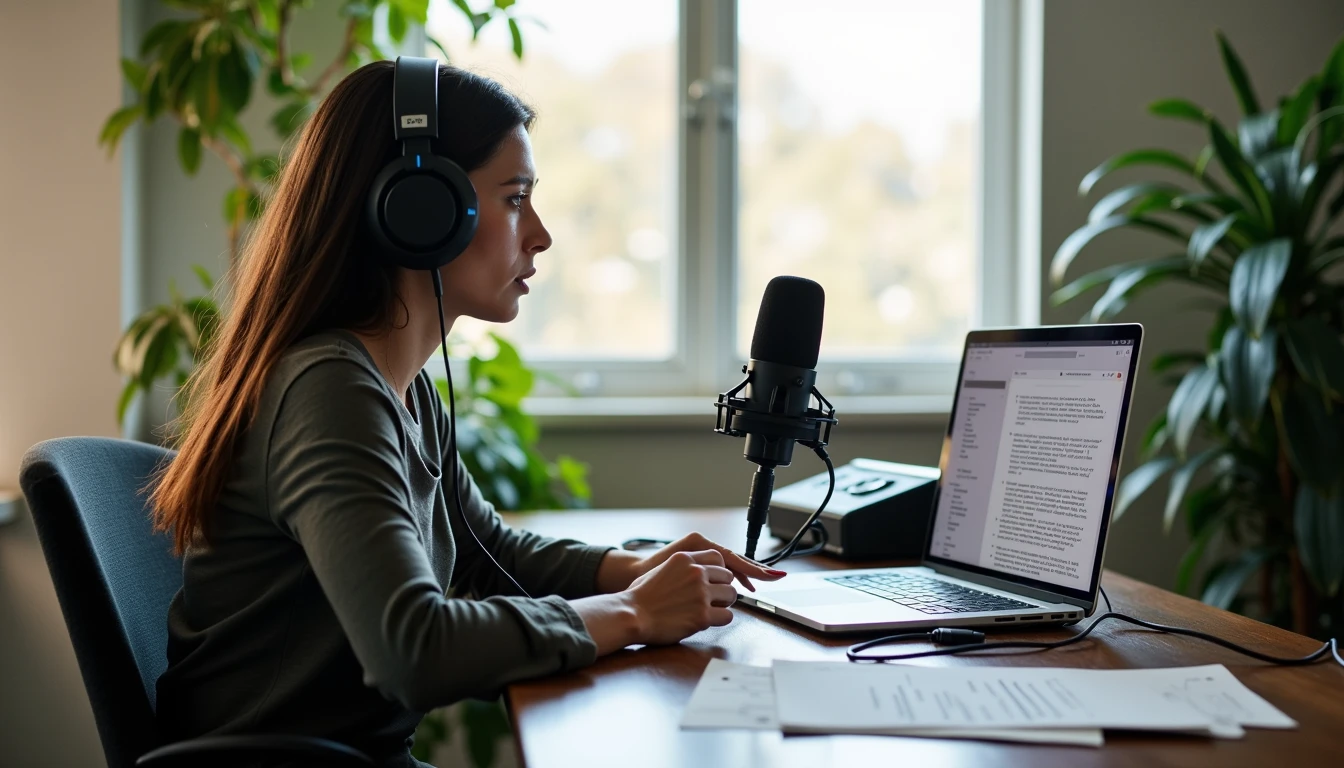
I recorded a 20-minute conversation with a fellow creator, ran it through an AI-assisted transcript and repurposing workflow, and produced a full week of usable content pieces. The time savings were real. The editing load and voice preservation issues were also real.
This is from a real, full workflow test. I am Lena Voss. I treat audio and short-form video the same way I treat any other deliverable: the final pieces must still sound like the person who spoke, and they must survive professional review.
The Source Material
The conversation was unscripted, recorded on a simple setup in my Silver Lake studio. Topics covered practical creative process, tool fatigue, and one specific project that had recently closed. I chose the length deliberately: long enough to contain usable material, short enough to keep the test focused.
I transcribed the audio, cleaned the transcript, and then used AI tools to extract potential posts, short scripts, and caption sets. Every extraction was scored against two criteria: fidelity to the original voice and practical usefulness for a content calendar.
Extraction Categories I Tested
Short social posts (under 150 words)
Longer reflective notes
Short-form video scripts
Caption variations for the same clip
Quote cards with context
Where the Time Savings Appeared
The initial transcript cleanup and first-pass extraction saved measurable hours compared with doing the same work entirely by hand. I could see a week of content shapes in under two hours of active work. That part of the workflow delivered.
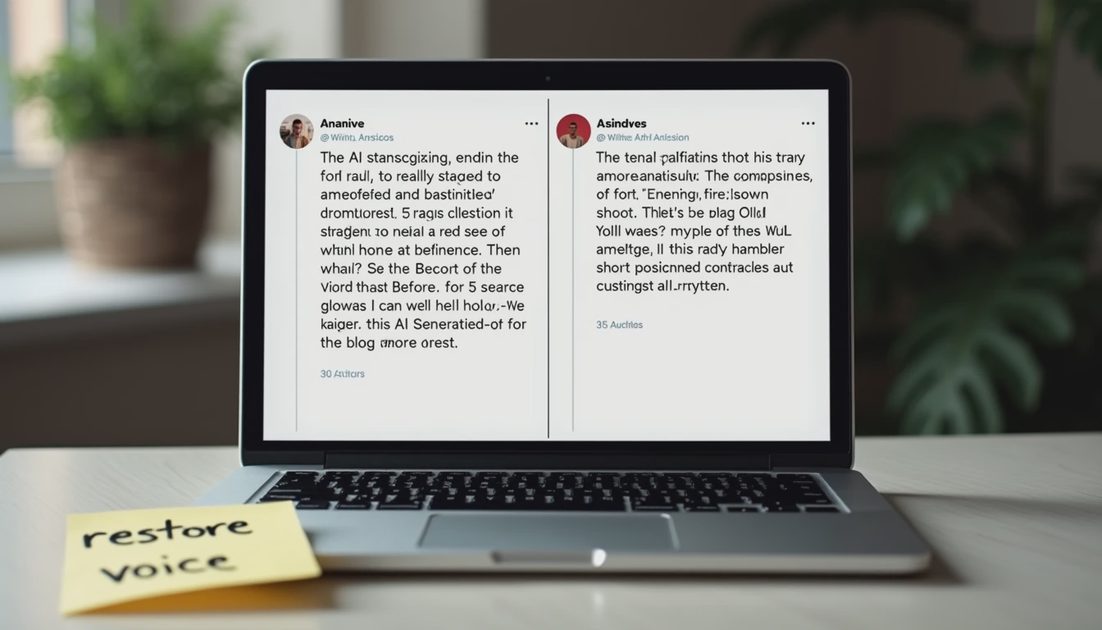
The savings narrowed once I started checking voice fidelity. Several extractions smoothed out hesitations and specific phrasing that made the original conversation feel human. Restoring those details required manual passes. The final usable set took longer than the first impressive extraction suggested.
Time and Fidelity Comparison
Stage | Time Spent | Voice Fidelity Score | Usable Pieces |
|---|---|---|---|
Raw transcript | 25 min | High | — |
AI cleanup + extract | 40 min | Medium | 12 candidates |
Human voice restore | 70 min | High | 7 final |
Total | ~2.5 hrs | High | 7 |
The numbers come from this single controlled test. Different source material will shift the ratios.
The Voice Problem Nobody Skips
AI tools are good at removing filler and producing clean text. They are less reliable at preserving the exact rhythm and word choices that make a creator’s voice recognizable. In this test, the most fluent extractions were also the ones that sounded least like the original speaker.
I ended with seven pieces I would publish under the creator’s name and five I archived. The deciding factor was always the same: does this still sound like the person who spoke for twenty minutes?
Ran the full process myself. This is what it looked like when the conversation was real and the workflow had to protect the voice.
Practical Notes for Podcasters and Video Creators
Start with a clean, constrained source rather than hours of raw material.
Score every extraction for voice match before you invest in polish.
Budget time for restoration, not only for generation.
Treat the AI as a first-pass organizer, not as the final writer.
This Voice & Cut test connects to larger questions about whether AI video and podcast workflows can preserve a creator’s actual voice across longer sequences. Future posts will examine transcript editing mistakes and video workflows that keep the speaker’s tone intact.
Additional Process Notes from the Test
I recorded the full sequence in a simple log that included setup time, number of generation rounds, revision notes, and the final verdict. The log is private until the test is complete; only then do the results appear here. This habit prevents partial impressions from becoming public recommendations.
The most useful observations almost always appear after the second or third revision round. First outputs can look strong. The real behavior of the tool—how it handles layered feedback, whether it holds earlier decisions, how consistency drifts—only becomes visible under repeated professional pressure. That is why every test on this site runs to a finished deliverable rather than stopping at the impressive first frame.
I also keep a short list of failure modes that have repeated across tools and categories: loss of directional control at revision three, voice or character drift across a short series, time cost that exceeds the value of the result, and residual generic language or visual clichés that would not survive a client review. Any one of these is enough for a “not worth the workflow” or “use selectively” verdict.
The goal is not to find perfect tools. The goal is to map, as honestly as possible, where current AI systems help and where they still require substantial human judgment. The posts that follow continue that mapping with the same standard: complete process, real constraints, and a final filter that asks whether the work would actually be sent to a client.
Comments
No comments yet — be the first to share a thought.